
Skip to content
Same picture. Same style. Different language.

AI Image Translation, Smart and Fully Editable

Click any translated text box to tweak wording, fonts, and styling in real time.

Translate into
Drag an image in, take a photo, or paste with Ctrl+V. JPG, PNG and WebP.
Upload image

Not pasted on top. Typeset back in.

An Image Translator That Keeps the Original Layout

After · English
Before · the original
1200 × 800 · every line still editable
  1. 1

    Each line is found and sorted into titles, body text, captions, prices and speech bubbles. The source language is detected for you.
  2. 2

    The old lettering is removed and the gradient, texture or pattern behind it is rebuilt in your browser, not covered with a box.
  3. 3

    The AI reads the whole picture before it translates, so wording and tone fit the scene. Prices, numbers, codes and URLs are checked afterwards.
  4. 4

    The closest face in the font library, with the weight, colour and outline of the source. Longer translations shrink and re-wrap to fit their box.
Free · nothing to upload
Two ways to translate text in images
Editable Text

Edit Translated Text in Images, Line by Line
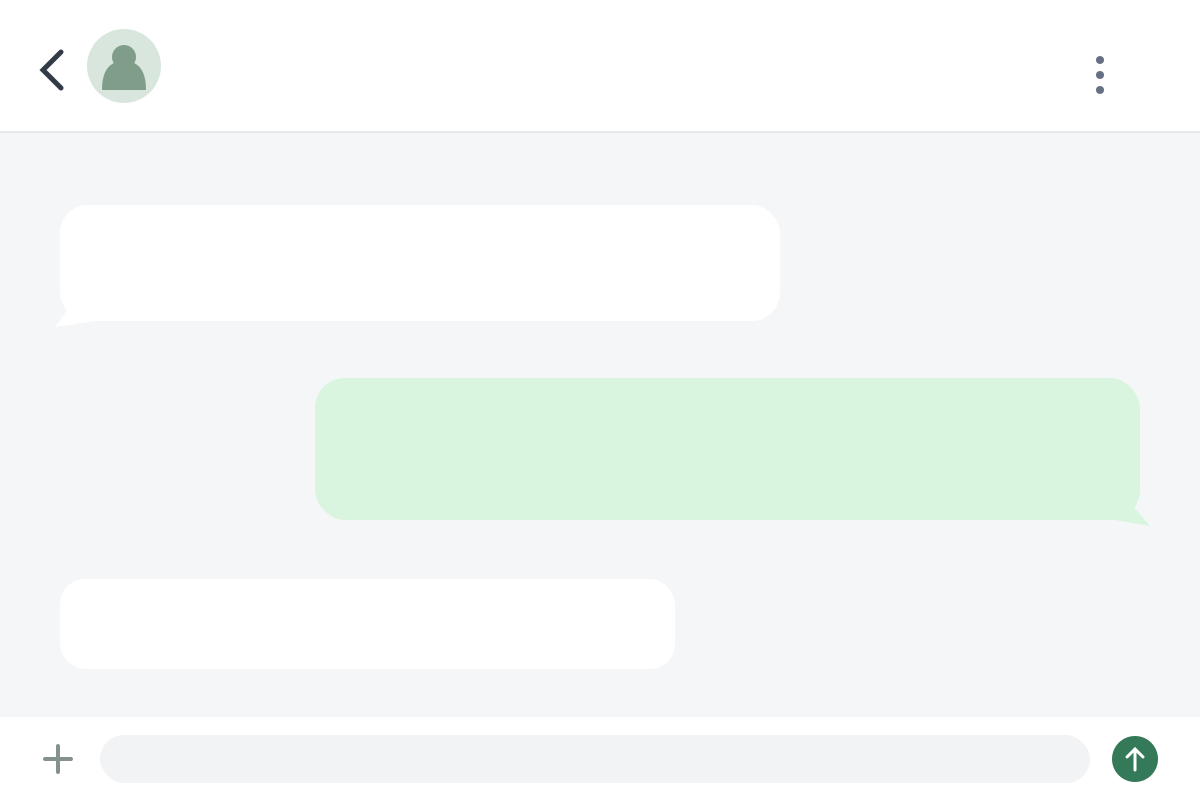
Example: a Chinese chat screenshot in English, one line reworded by hand
  • Rewrite Any Line in Real Time

    Click a line in the list, or double-click it on the picture, and type. The picture updates as you go.
  • Restyle and Rearrange the Layout

    Change the font, size, colour, weight, alignment, line and letter spacing. Drag boxes to move or resize them, add your own, or set a block vertically.
  • Translate or Restore One Block

    Hover a block to translate it on its own or put the original back. Every step can be undone.
Best for screenshots, documents, product images and comics.

AI Auto

One-Click AI Image Translation for Posters and Artwork

Example: only the marked headline is repainted, in Japanese
  • Translate the Whole Picture in One Step

    Upload in AI Auto and it starts at once: the AI repaints the text in your language and aims to keep the layout, brand names, numbers and prices.
  • Re-Translate Just One Area

    Drag a box over the part you want redone and say what should change. Only that area is painted back; the rest stays as it was.
  • Every Answer Is a Version

    Each reply becomes v1, v2, v3. Export the one you like, or keep going from it. The words are painted into the picture, so they are no longer editable text.
Best for posters, banners and artwork where the lettering is part of the design.
Built for more than one picture

Batch Translate Images and Keep Brand Names

  • Keep Brand Names with a Glossary

    Mark names as Never translate, or pin a term to your own wording in each language. Up to 200 rules, kept in your browser, imported from Excel, CSV or JSON. Applies in Editable Text.

  • Prices, Numbers and Codes Stay Put

    Prices, units, percentages, model codes and URLs are checked after translation, and a line that changed them is translated again.

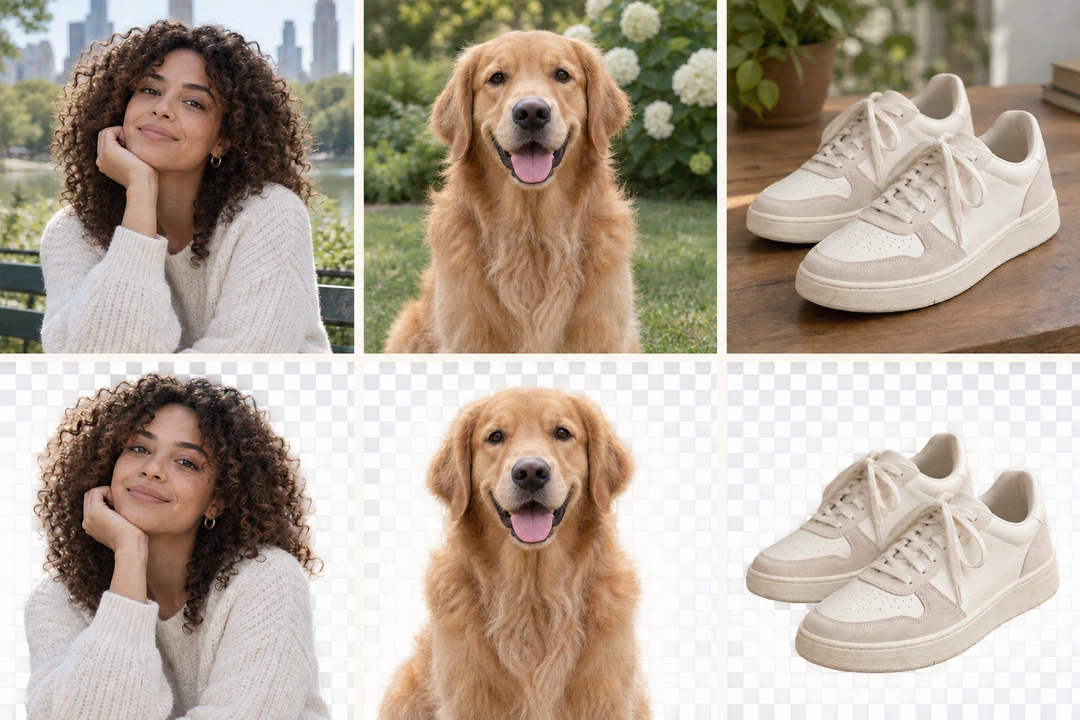
  • Remove Leftover Text with a Brush

    Background repair runs in your browser. If a trace of the old text is left, brush over it and erase again; brush over artwork to keep it.

  • One ZIP for Every Picture

    Add several pictures at once; each is translated when you open it. Export all then downloads every finished picture as one ZIP.

  • Export the Text to Excel, CSV or TXT

    Download the recognised text beside its translation: one row per text block. Save it as an Excel sheet, CSV, TXT or JSON, or copy it in one click.

  • PNG, JPG or WebP, No Watermark

    Export at the size you uploaded, up to 2048 px on the long side, after checking it against the original on a before/after slider.

Source language detected for you

Translate Images into 214 Languages

Live preview · Japanese
Preview language
Not in the preview? Pick from all 214
  • Regional forms where they differ: Brazilian or European Portuguese, Latin American Spanish, Canadian French.
  • Set any text block vertical or horizontal, with its own alignment, to suit how each language is typeset.
Use cases

Translate Product Images, Manga, Menus and More

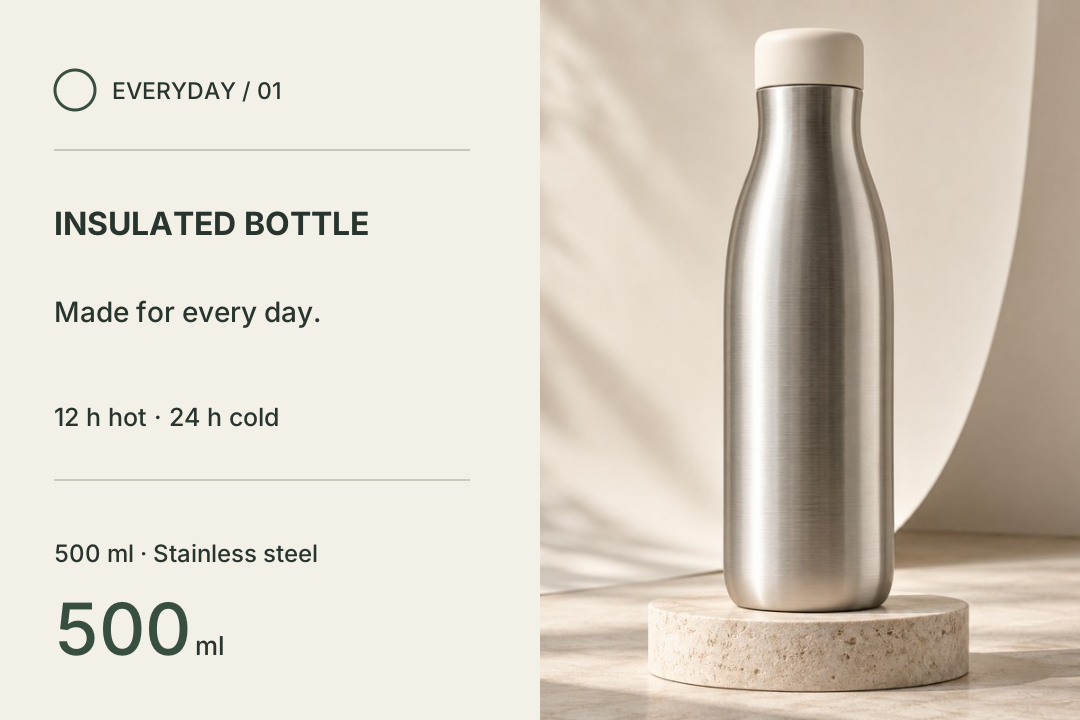
  • Chinese product detail image of an insulated bottle translated into English, every callout re-typeset in place.
    Editable Text

    Translate Product Images for E-commerce

    Localise main images and detail-page images without the design files. Prices, sizes and model codes are checked, and a glossary keeps brand names as they are.

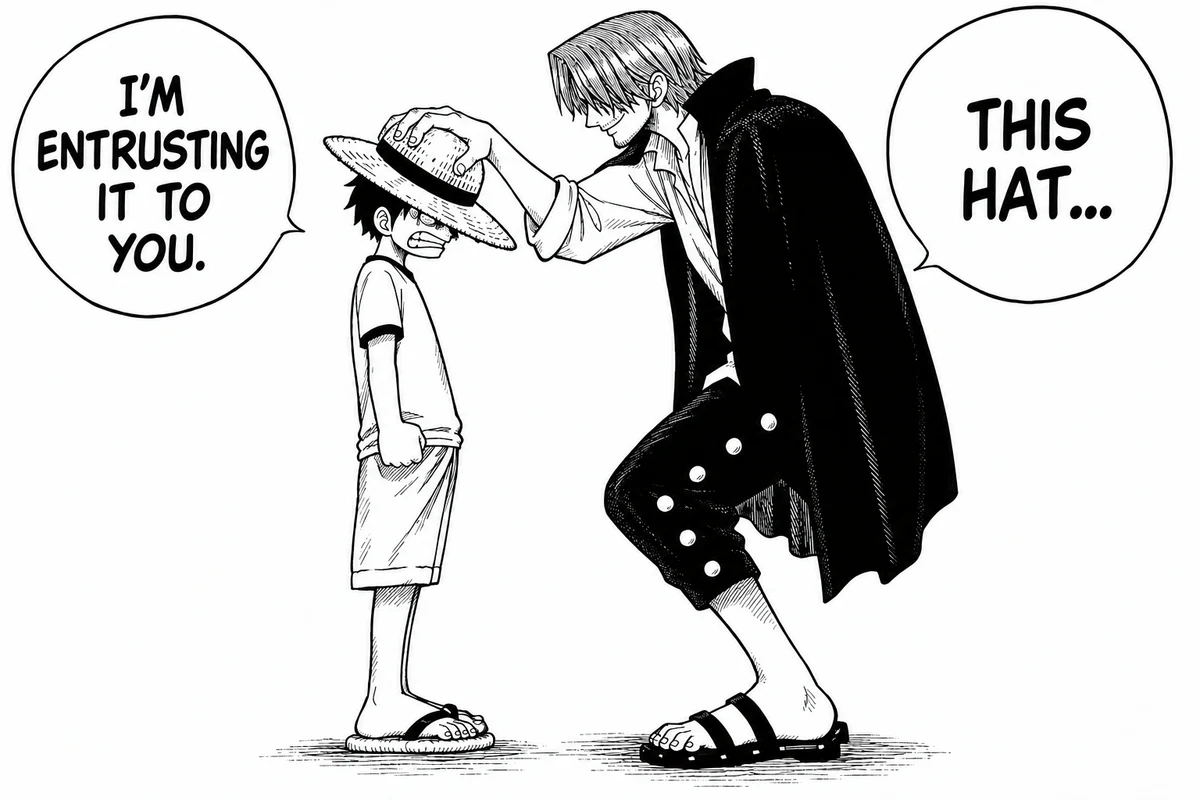
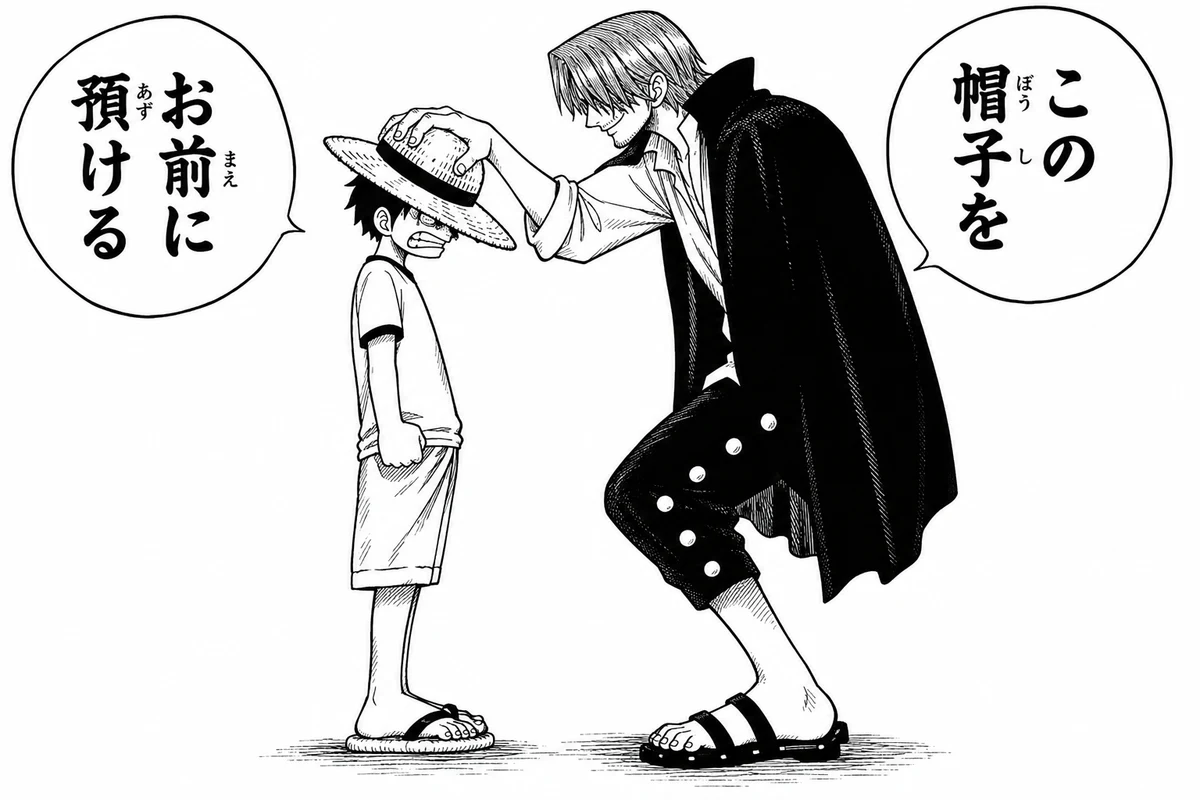
  • Japanese manga panels with vertical speech balloons translated into English, re-lettered inside the same balloons.
    Editable Text

    Manga and Comic Translator

    Speech balloons are erased, translated and re-lettered inside the balloon, shrinking to fit. Translations are set horizontally; switch any line to vertical when the page calls for it. Put character names in the glossary so every page spells them the same way.

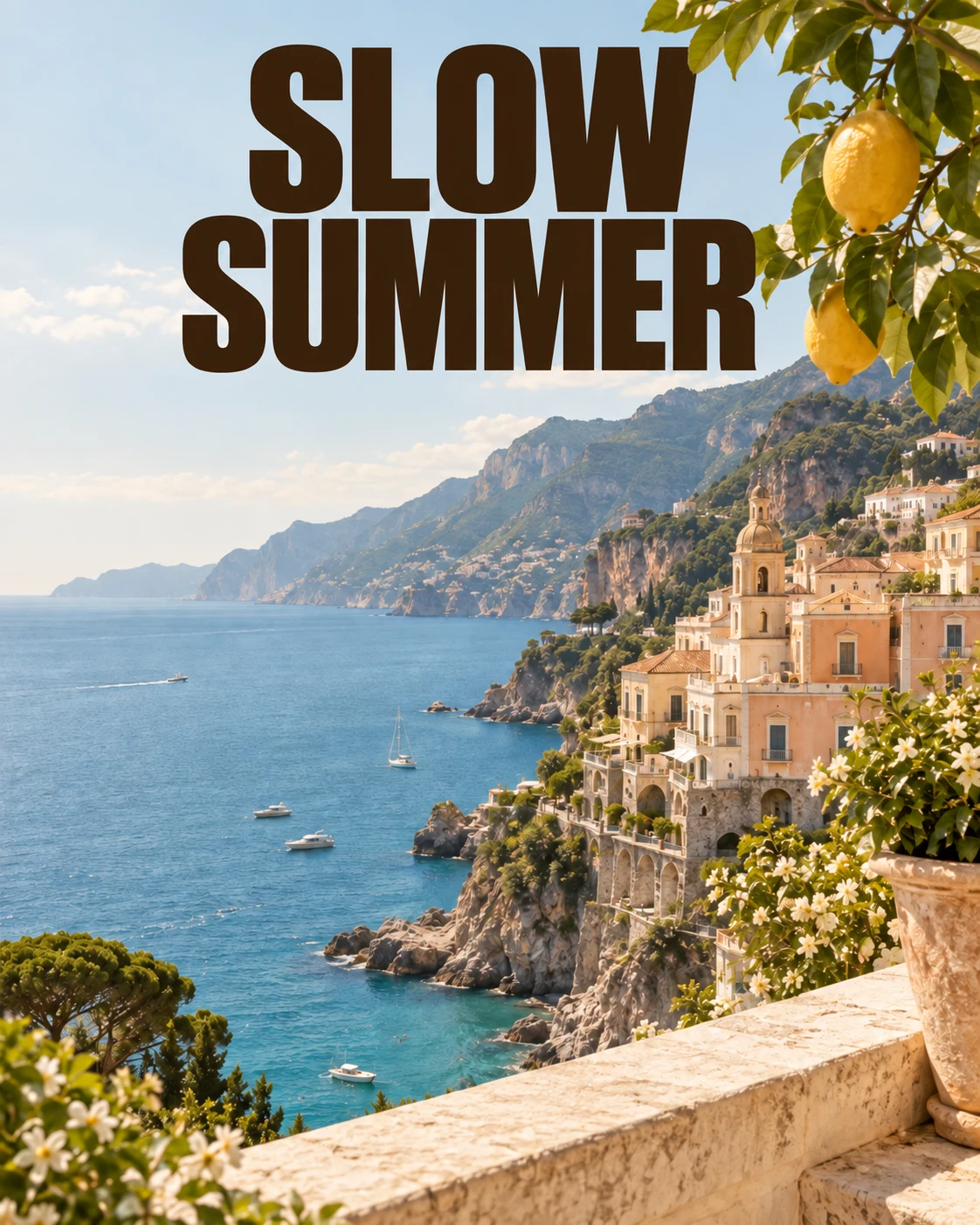
  • Risograph film-festival poster repainted from English into Spanish by AI Auto.
    AI Auto

    Translate Posters and Ad Creatives

    When the lettering is part of the artwork, AI Auto repaints it in the new language. For banners with text on flat colour, Editable Text keeps every line editable.

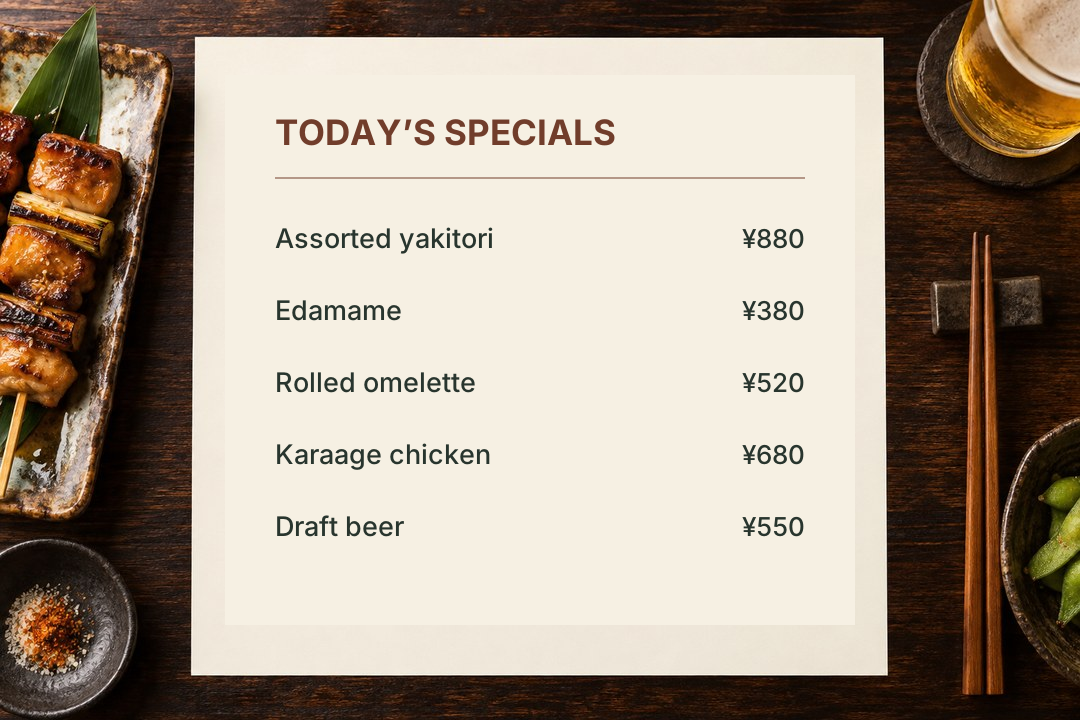
  • Japanese izakaya menu translated into English, prices unchanged.
    Editable Text

    Translate Menus and Street Signs

    On your phone, take a photo of a menu, a station sign or a museum board and read it in your language. Prices and platform numbers are kept.

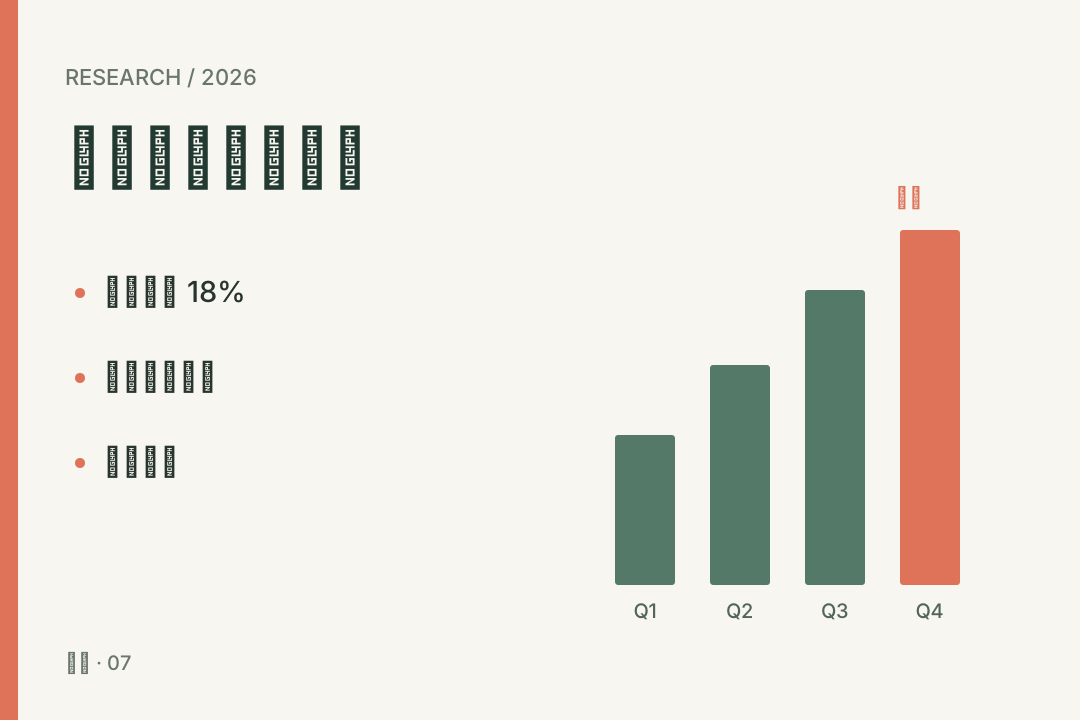
  • Presentation slide with a bar chart translated from English into Simplified Chinese, layout unchanged.
    Editable Text

    Translate Scanned Documents and Slides

    Photos and screenshots of slides, reports and contracts keep their layout. Export the text to a spreadsheet to check it line by line, and have anything legal reviewed by a professional before you rely on it.

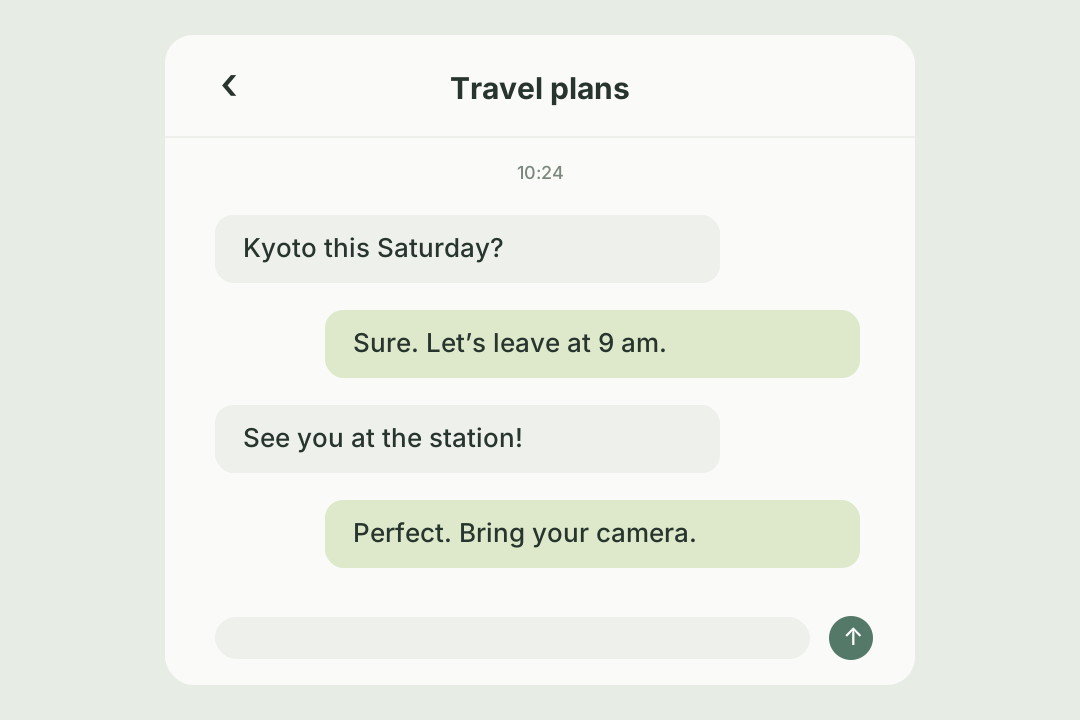
  • Chinese travel chat translated into English, preserving message bubbles and timestamps.
    Editable Text

    Translate Screenshots from Apps and Chats

    Paste a screenshot straight from your clipboard. Buttons, labels and messages come back in your language, in the same place.

Questions

Image Translator FAQ

Google Translate and DeepL tell you what a picture says, but they don't hand you a picture you can use. In PicReplace the translation is editable text: change the wording, the font or where it sits, and lay the picture out again. If a line reads wrong, have the AI translate it again; the original lettering is erased, the background behind it repaired, and the font matched to the original. Got a whole set? Drop them in together, then export the original text and the translations as an Excel sheet.

Three steps

How to Translate an Image Online in 3 Steps

  1. 1

    Upload, Paste or Take a Photo

    Drop in a PNG, JPG or WebP up to 10 MB, paste one with Ctrl+V, or use your phone's camera. Add several at once if you have a set.
  2. 2

    Pick a Language and a Mode

    Choose one of 214 languages — type to find yours. Editable Text suits documents, screenshots and comics; AI Auto suits posters and artwork.
  3. 3

    Edit, Then Download

    Compare with the original, fix any line, then download PNG, JPG or WebP with no watermark, or a whole set as one ZIP.
Translate your first imageDrop it on this card, paste it with Ctrl+V, or pick a file. It starts on upload.
Into English · Editable Text
More tools

Discover More Image Editing Tools