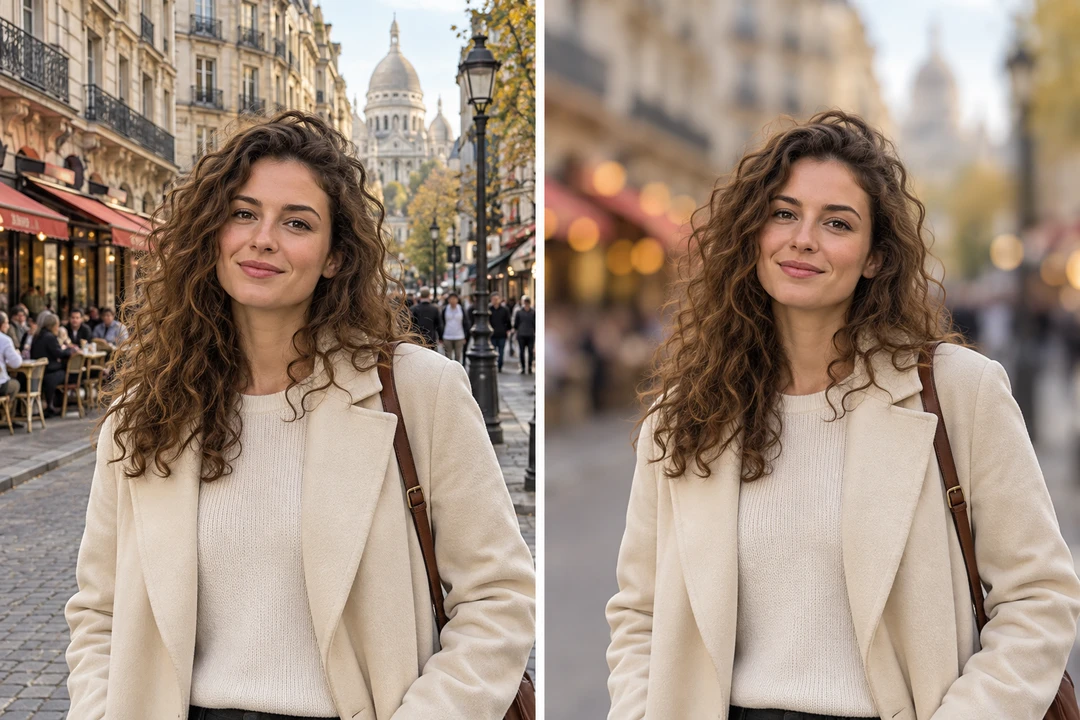
Remove Photo Background with AI
Erase image backdrops and get a transparent background in one click.
JPG, PNG and WebP · up to 10 MB
Batch Background Removal
Drop in up to twelve pictures at once. Each one is cut out on its own — hair, fur and glass edges included — and the whole set exports as transparent PNGs in a single ZIP, every picture at its original size.
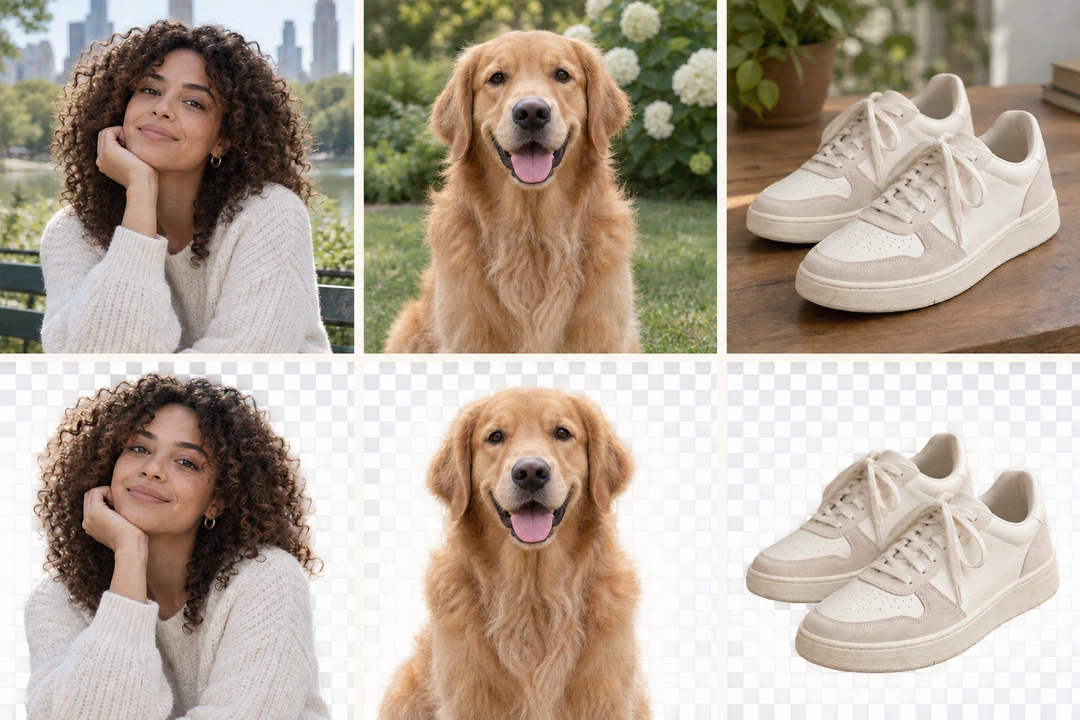
One-Click Background Replacement
Once the subject is cut out, a new background is one tap away: white for an ID photo, a gradient for a product shot, a texture, or a picture of your own. Add a drop or ground shadow so the subject sits in the scene instead of floating on it.
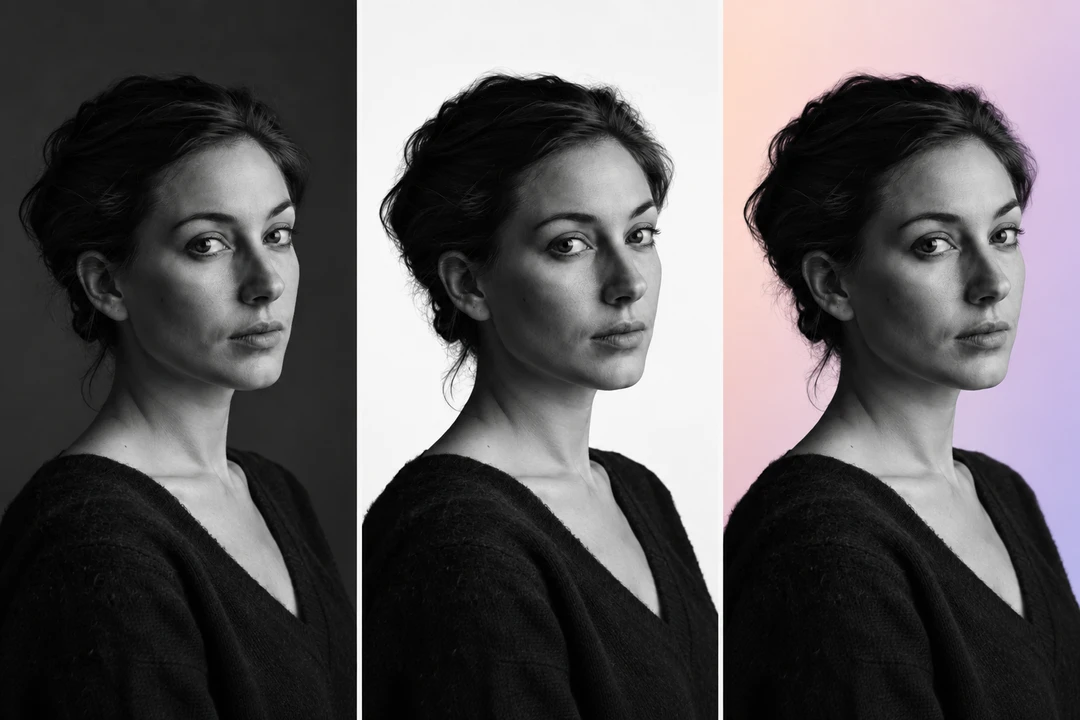
AI Background Remover and Generator
The same cut-out feeds the AI: describe a scene — a grey studio, a beach at golden hour, a marble counter — and it is painted behind your subject, which stays as photographed. Every message is another version to compare and keep.