Replace Photo Background with AI
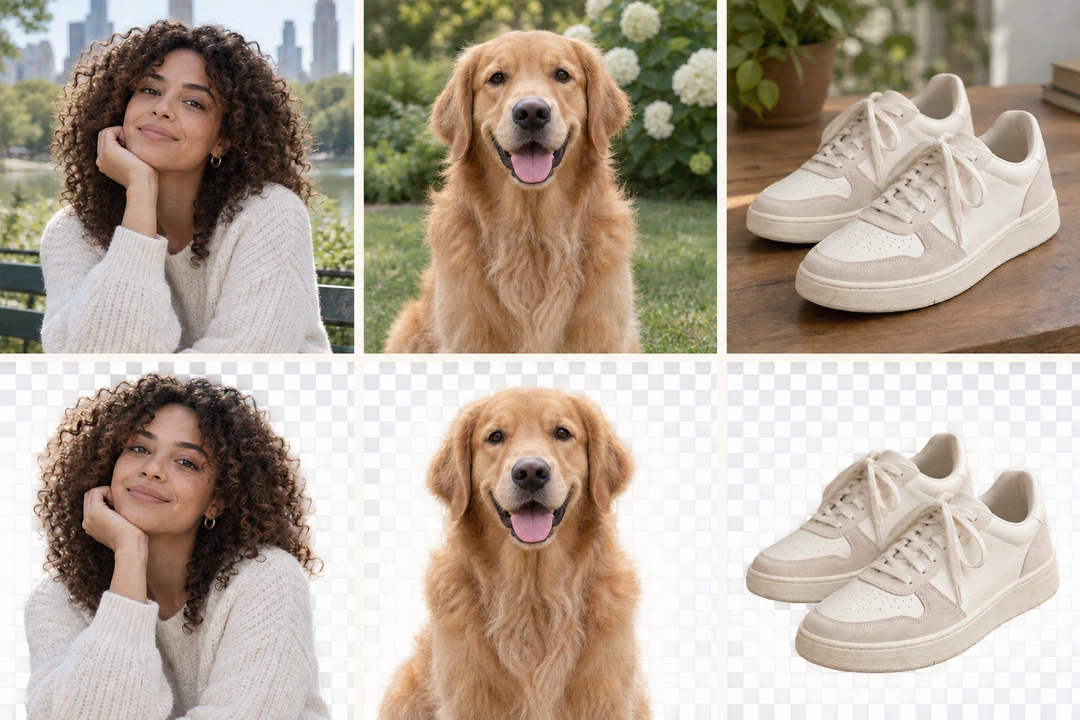
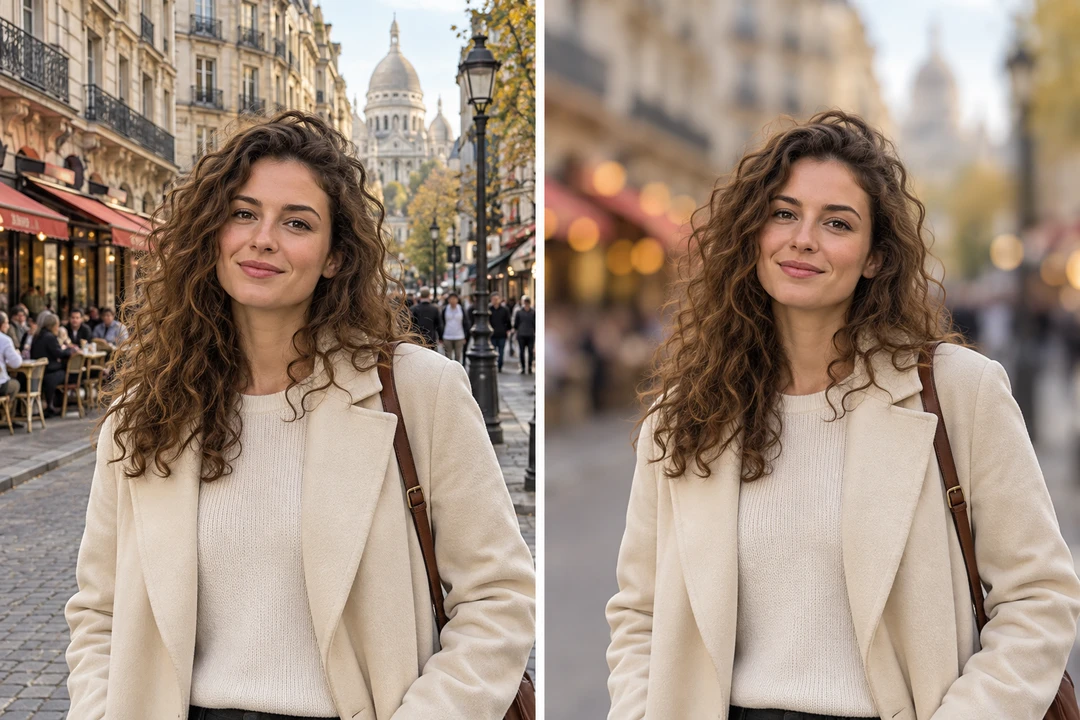
Choose from solid white backdrops or textured templates—or upload your own. Our AI automatically smooths edges and blends light for a natural, seamless result.
Free · no sign-up · nothing to install
Upload imageDrop a photo here, or paste it with Ctrl+V.
Or try one of these
JPG, PNG and WebP · up to 10 MB
E-commerce
E-Commerce Product Photos
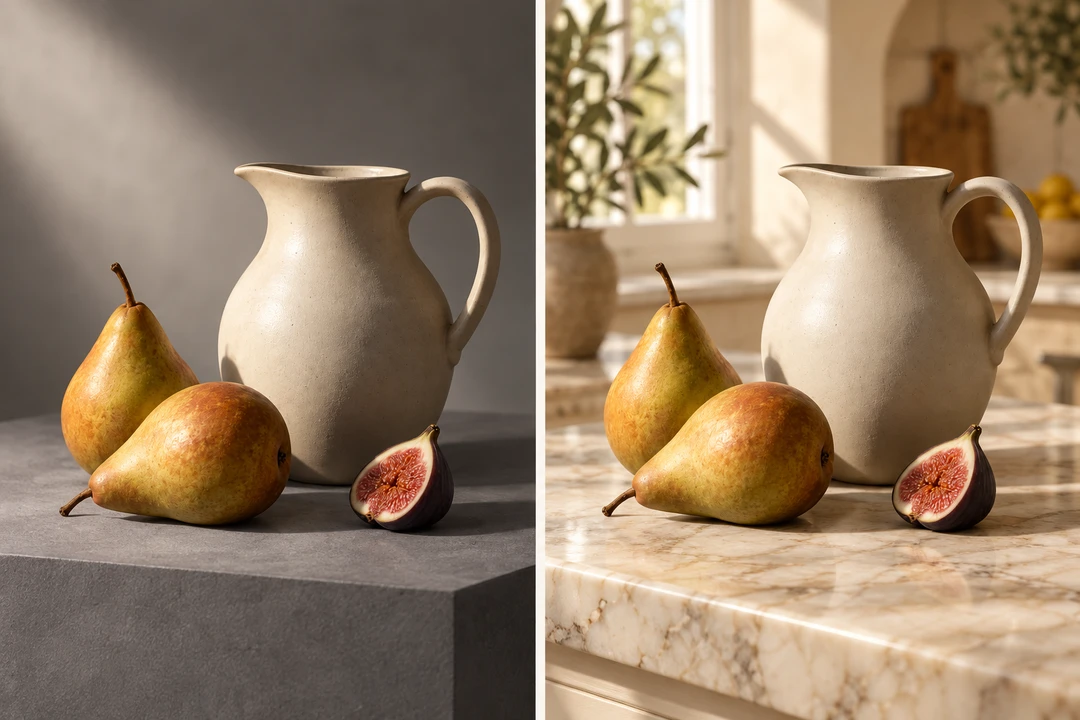
Shoot once, list everywhere: put the product on pure white for the marketplace, a gradient for the hero banner, a marble or linen texture for the lifestyle shot.

ID photos
ID & Passport Photos
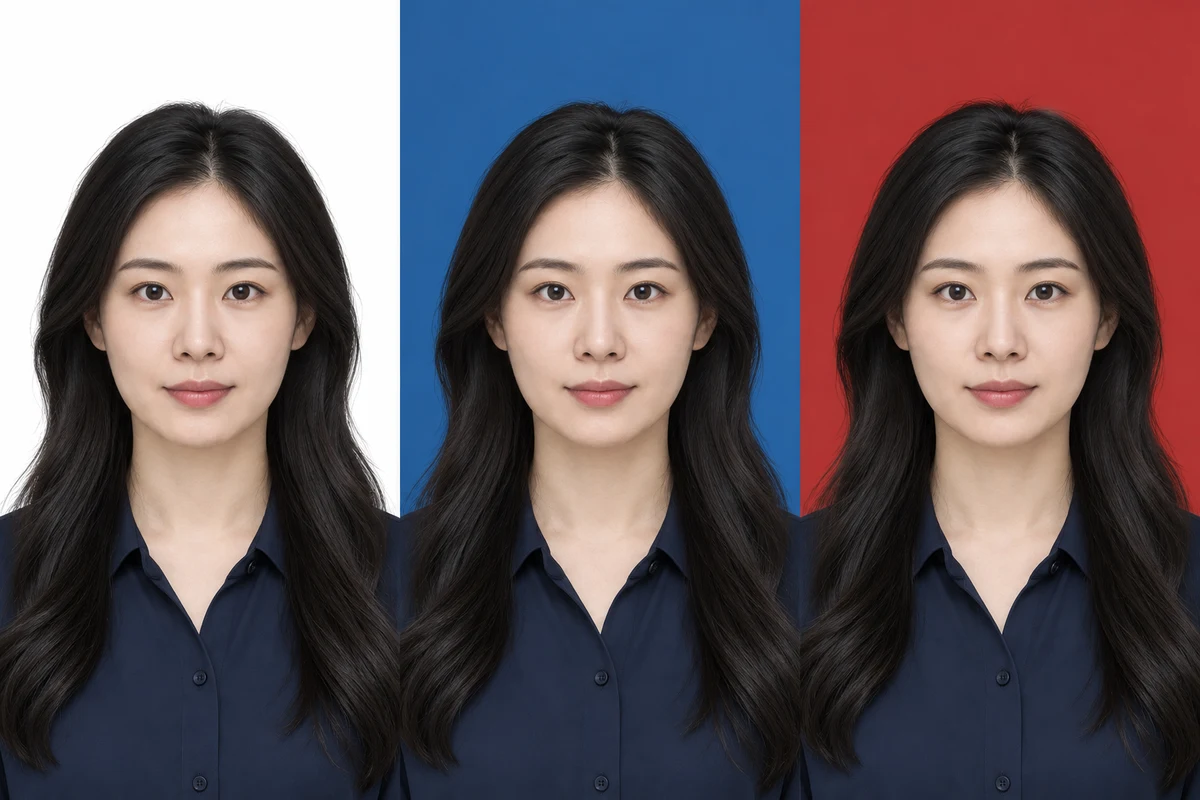
One click for the white, blue or red backdrop an ID photo asks for. The cut-out keeps every strand of hair, and the edge can be nudged in or feathered.
Three steps
How to Replace Photo Background Online in 3 Steps
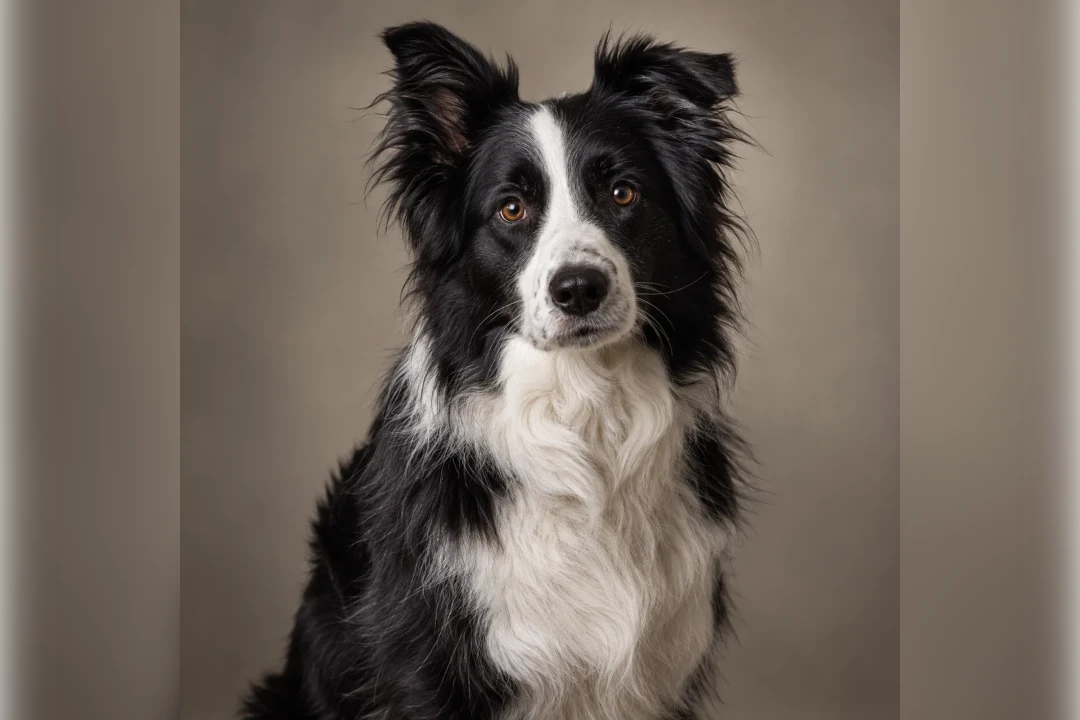 After · new backgroundBefore · the original
- 1
Upload Your Photo
Drop in a JPG, PNG or WebP, paste it, or take one. The subject is cut out automatically. - 2
Remove the Background
The cut-out lands in seconds with hair and fur intact. Touch up an edge with the restore and erase brushes if you need to. - 3
Choose or Upload a New Background
Pick a colour, gradient or texture, upload your own picture, or describe a scene for the AI. Export as PNG, JPG or WebP.
Ready to change a background?Drop it in, paste it, or open a sample — the subject is cut out the moment it opens.
Compared
PicReplace vs. Photoshop for Changing a Background
Compared onPicReplacePhotoshop
Time per photo
Seconds: the cut-out is automatic and the background is one tap
Minutes: select the subject, refine the mask, build the layers
Skill needed
None — upload, pick, export
Layers, masks and the selection tools
Hair and fur
Cut out by the model; restore and erase brushes for the rest
Select Subject, then refine the edge by hand
New backgrounds
Colours, gradients, twelve textures, your own picture, or an AI scene
Whatever you build or source yourself
Getting started
In the browser, nothing to install, free credits to try
A desktop install and a subscription
More tools