Skip to content

Edit Text in Image with AI

Blend new text into complex backgrounds. Effortlessly swap text in posters, and product photos while matching original fonts and background textures perfectly.

Free · no sign-up · every word editable
Upload imageDrop an image here, or paste it with Ctrl+V.

Two modes for different scenarios
AI Mode

Seamlessly Replace Text in Complex Backgrounds

FUTURE SOUNDAI result
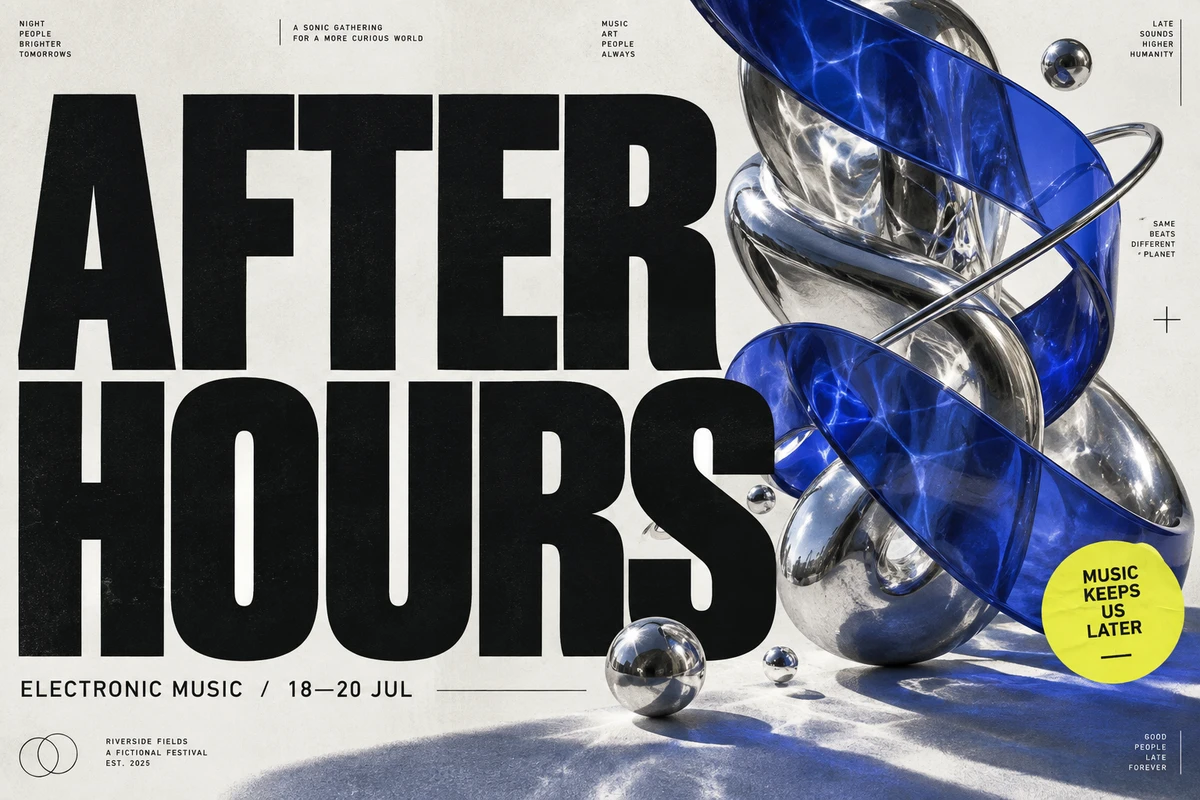
AFTER HOURSOriginal
AFTER HOURS → FUTURE SOUND
  • Invisibly Restores Original Backgrounds

    AI automatically erases old text while inpainting the underlying texture and details, leaving zero traces or blurred patches.
  • Matches Fonts & Typography Automatically

    Intelligently analyzes and replicates font styles, weights, colors, and textures to keep new text visually indistinguishable from the original.
  • Preserves Original Layouts & Perspective

    Detects text angles, curve distortions, and lighting variations to seamlessly blend new copy into ecommerce shots and posters.
Edit Mode

OCR-Powered Text Extraction & Layout Control

8 text boxes found — every one editable
  • Smart OCR Text Extraction

    Instantly scan and recognize text lines across any image, converting fixed pixel graphics into fully editable textual elements.
  • Real-Time Text & Content Editing

    Directly modify, fix typos, or update numbers on any text block with instant interactive preview.
  • Flexible Layout & Formatting Adjustments

    Easily adjust font sizes, alignment, line spacing, and positioning for maximum creative freedom and precise customization.
E-commerce

Edit E-Commerce Product Text in Image

Instantly update promotional badges, product specs, prices, or translate marketing copy directly on Amazon and Shopify listing photos without needing raw design files.

Skincare listing photo: change the promotional badge from 20% OFF to 30% OFF.
Posters & banners

Edit Poster & Banner Text in Image

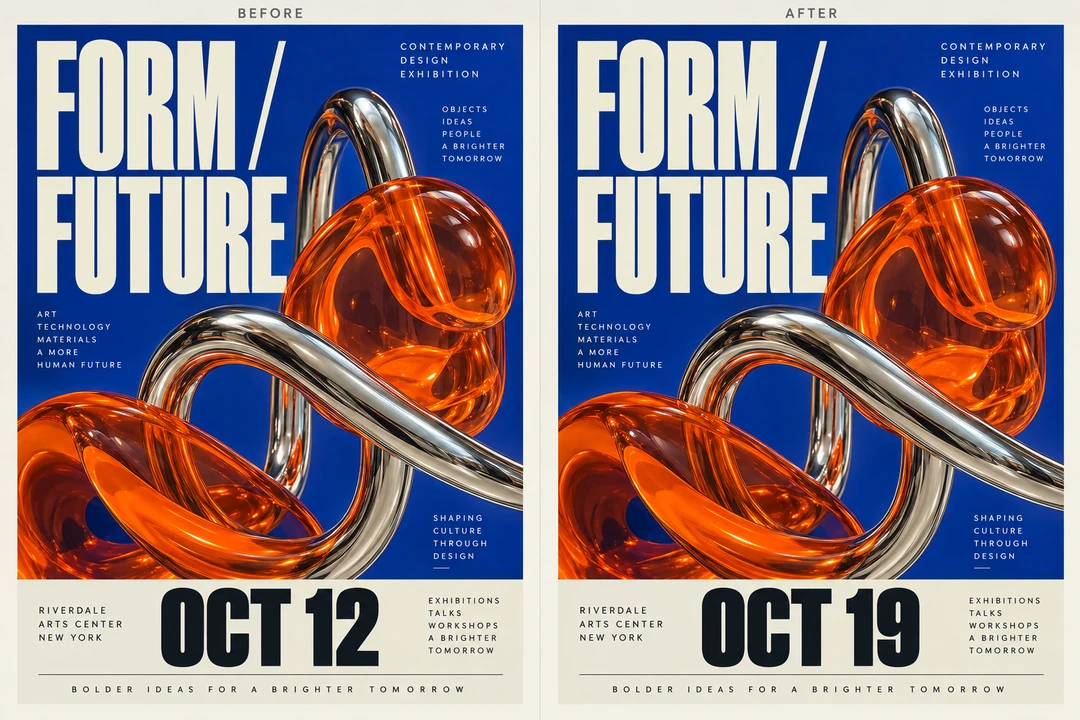
Fix typos, update event dates, or change special offer headlines on marketing banners and posters while seamlessly matching the original typography and background graphics.

Design exhibition poster: update the event date from OCT 12 to OCT 19.
Documents & screenshots

Edit Document & Screenshot Text in Image

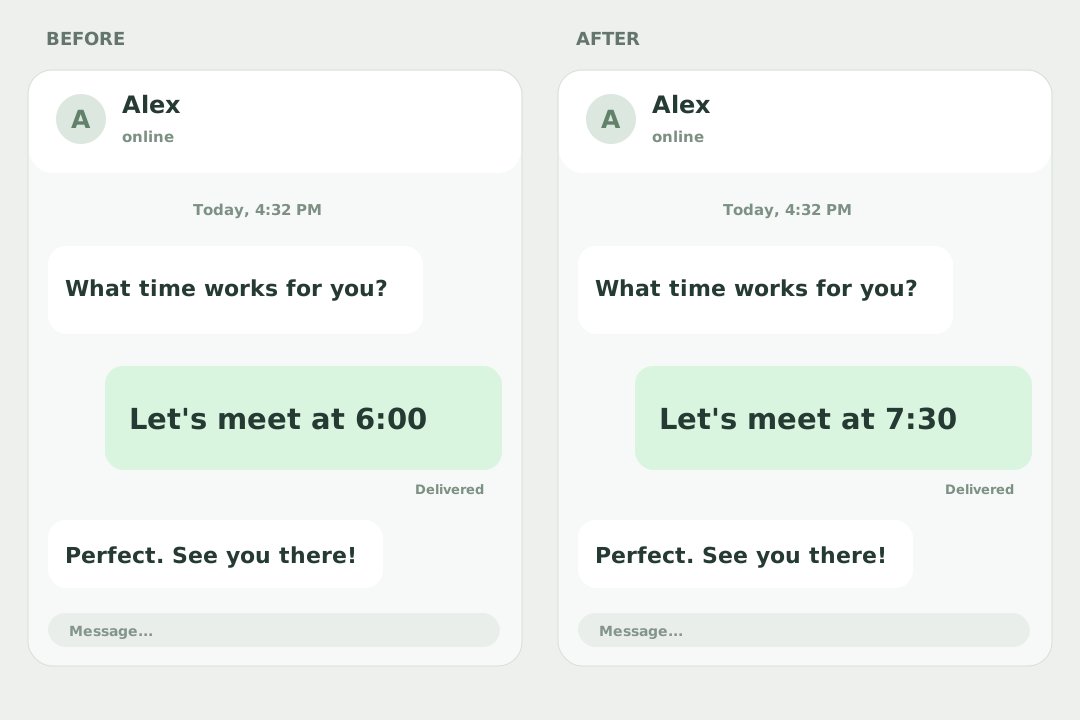
Modify figures, correct errors, or mask sensitive info on scanned PDFs, receipts, invoices, and app screenshots while preserving the clean paper or UI texture.

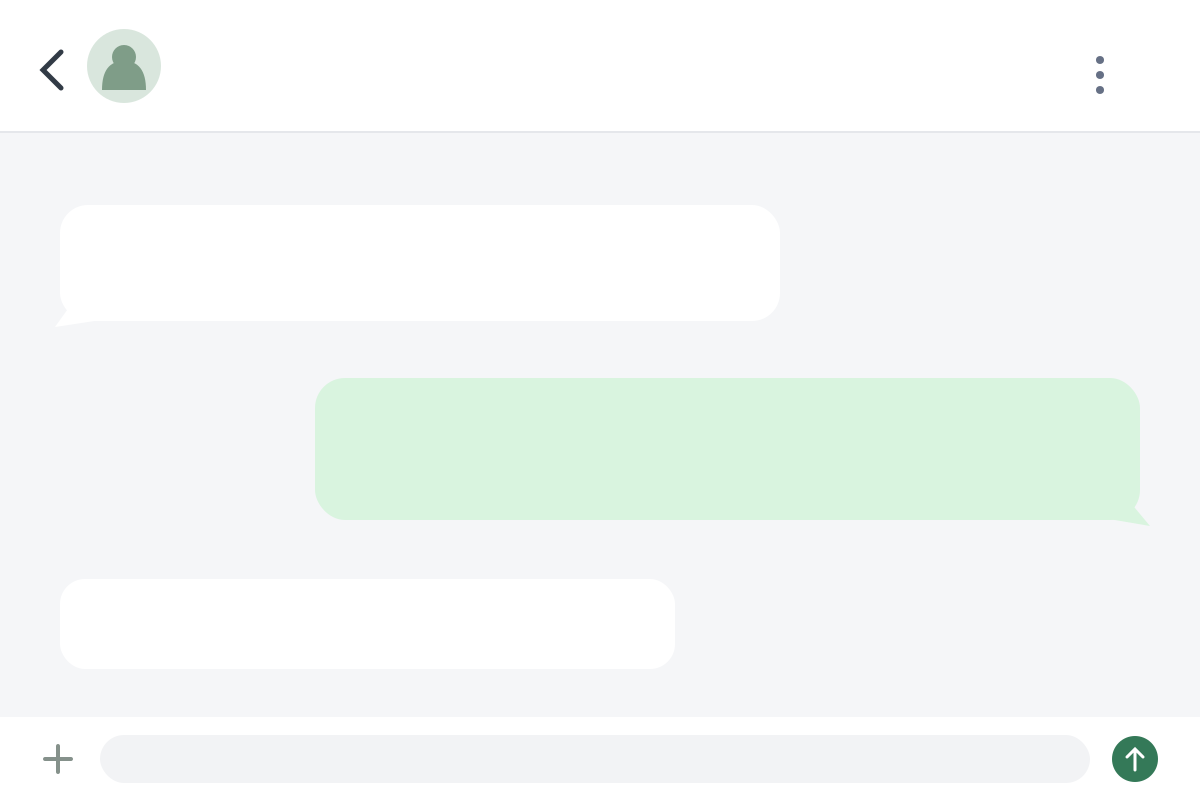
Chat screenshot: change the meeting time from 6:00 to 7:30 on a solid-color message bubble.
Memes & social

Edit Meme & Social Text in Image

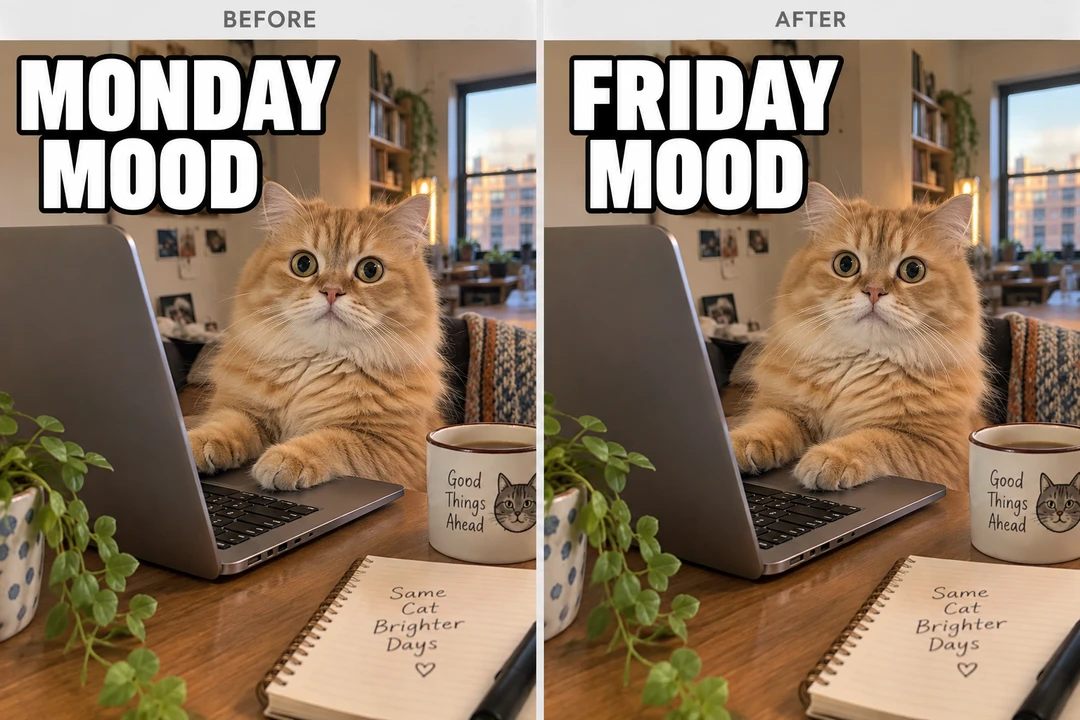
Swap out copy on viral memes, Instagram post graphics, or YouTube thumbnails to create fresh, engaging social media content in seconds.

Cat meme: replace MONDAY MOOD with FRIDAY MOOD while keeping the same photograph.
FAQ

Frequently Asked Questions

Yes, the image text editor runs on free credits and needs no sign-up. In Edit Mode, reading a picture takes 10 credits once. Retyping, restyling, moving text, erasing leftovers and downloading are free after that. In AI Mode, each version takes 100 credits on Default or 60 on Budget, and a retry counts as a new version. So 100 credits read ten pictures in Edit Mode, or cover one AI Mode version on Default.